


How it works
How Qurbani booking works
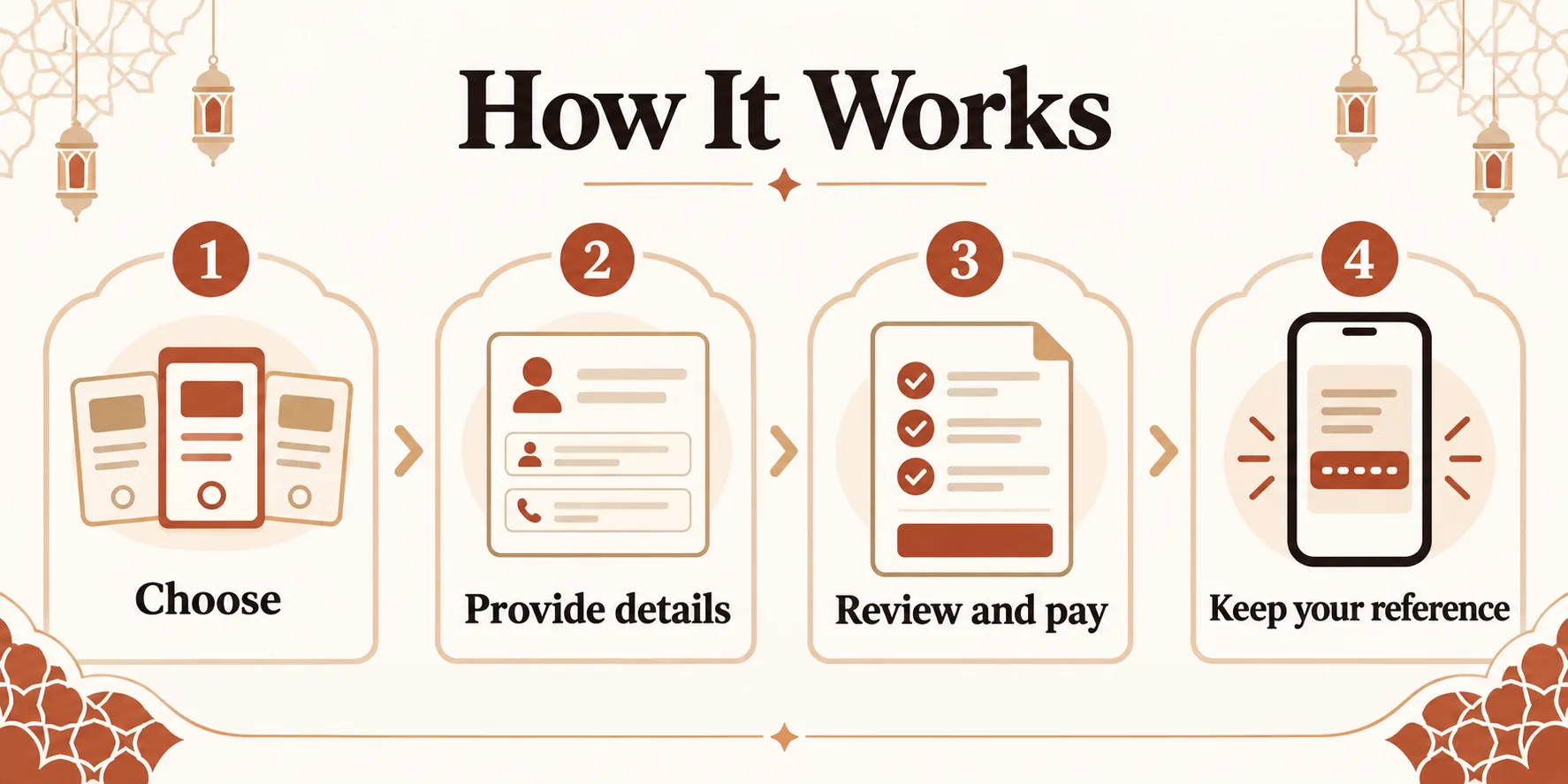
Booking takes a few minutes. These are the steps from choosing an option to receiving your confirmation.
- 01
Choose an option
Select Buffalo Share, Goat or Full Buffalo for Qurbani, or an Aqeeqah or Sadqah option. The price is shown on each option.
- 02
Enter the names
Enter one name for each Goat or Buffalo Share, and seven names for each Full Buffalo.
- 03
Pay by bank transfer
Complete checkout, then transfer the amount using our bank details. Use your order number as the payment reference. Your booking is confirmed once the amount is received.
- 04
Qurbani is performed
Qurbani is performed during the days of Eid ul Adha (10–12 Dhul Hijjah), in the order bookings are received.
- 05
Receive your confirmation
Once your Qurbani is performed, a confirmation is sent to you on WhatsApp. You can check your booking status at any time with your order number and email.